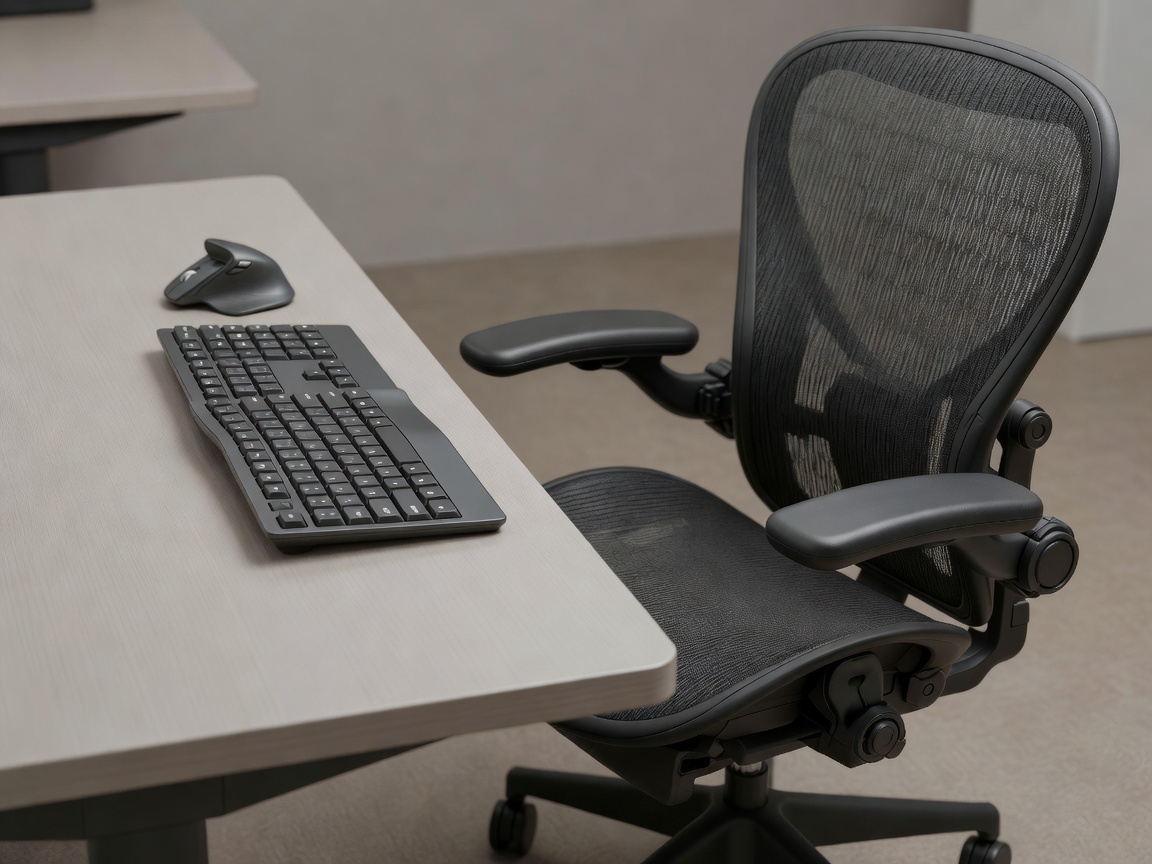
The Structural Impact of Prolonged Sedentary Postures
Musculoskeletal disorders (MSDs) represent one of the most substantial contributors to corporate lost-time injuries and reduced cognitive engagement. Modern knowledge work demands protracted periods of static sitting and repetitive small-muscle movements. When workstations fail to support neutral joint alignments, the result is chronic spinal strain, carpal tunnel compression, shoulder elevation spasms, and ocular fatigue.
True ergonomics is not merely purchasing expensive office chairs; it is the deliberate calibration of the work surface, visual display units (VDUs), input peripherals, and seating mechanics to suit the distinct biometric dimensions of each human operator.
The Neutral Posture Standard: Geometric Alignment Checklist
To reduce musculoskeletal loads, individual setups should adhere to the following dimensional criteria:
- Eye-to-Display Alignment: The upper horizontal third of the primary monitor screen should rest directly at natural eye level. When looking straight ahead, the neck remains neutral without downward flex or upward hyperextension. Display distance should sit between 50 and 70 centimeters (roughly arm’s length).
- Elbow and Forearm Angle: Desk surfaces and keyboard trays should permit a 90-degree to 105-degree elbow flex. Forearms must rest parallel to the floor, eliminating resting pressure on the delicate carpal tunnel tissues of the wrist.
- Lumbar and Pelvic Support: Task chairs must provide adjustable lumbar curvature that presses gently into the small of the lower back, preserving the spine's natural inward lordotic curve. The seat pan should leave a clearance of 2 to 3 fingers behind the knees to avoid restricting popliteal blood flow.
- Plantar Stability: Feet must rest entirely flat on the flooring. If desk height adjustment is limited, an angled, non-skid footrest must be introduced to support lower leg stabilization and prevent sacral sliding.
Equipment Category Comparison: Ergonomic Hardware
| Hardware Category | Primary Biomechanical Benefit | Trade-offs & Constraints |
|---|---|---|
| Sit-Stand Motorized Desks | Enables dynamic posture transitions; interrupts uninterrupted sitting cycles | Requires conscious habit formation; improper standing height causes foot and lower back fatigue |
| Split Mechanical Keyboards | Eliminates ulnar deviation by allowing wrists to remain in straight extension | Steeper learning curve; requires dedicated desk real estate and cable management |
| Vertical Ergonomic Mice | Places forearm in a neutral "handshake" position, minimizing pronation torque | Reduced micro-precision for graphic design; requires right/left-hand specificity |
| Articulated Monitor Arms | Affords swift depth and focal adjustments to counter natural afternoon slump | Requires sturdy clamp-compatible desktop edges and initial tension balancing |
Pros and Cons of Sit-Stand Workstation Mandates
Organizational Benefits
- Measurable decline in chronic lower back pain complaints among office personnel.
- Modest elevation in caloric expenditure and alertness during post-lunch circadian dips.
- Increased employee autonomy over physical space, contributing to workspace satisfaction.
- Adaptability for shared hot-desking setups where team members have varying heights.
Operational Considerations
- Higher equipment replacement and asset amortization budgets.
- Prolonged static standing introduces its own vascular risks, including varicose congestion.
- Cable snagging risks requiring specialized flexible umbilical management conduits.
- Need for continuous self-assessment reminders, as many desks stay permanently lowered.
Actionable Recommendations for Workplace Teams
Companies should formalize an Ergonomic Assessment Standard. Rather than waiting for an employee to report chronic tendonitis, organizations should perform an ergonomic self-check upon onboarding and conduct annual reviews. When hybrid or remote workers are involved, provide a dedicated hardware equipment stipend paired with an illustrative setup checklist to ensure identical physical protections apply whether working from the corporate headquarters or an apartment study.